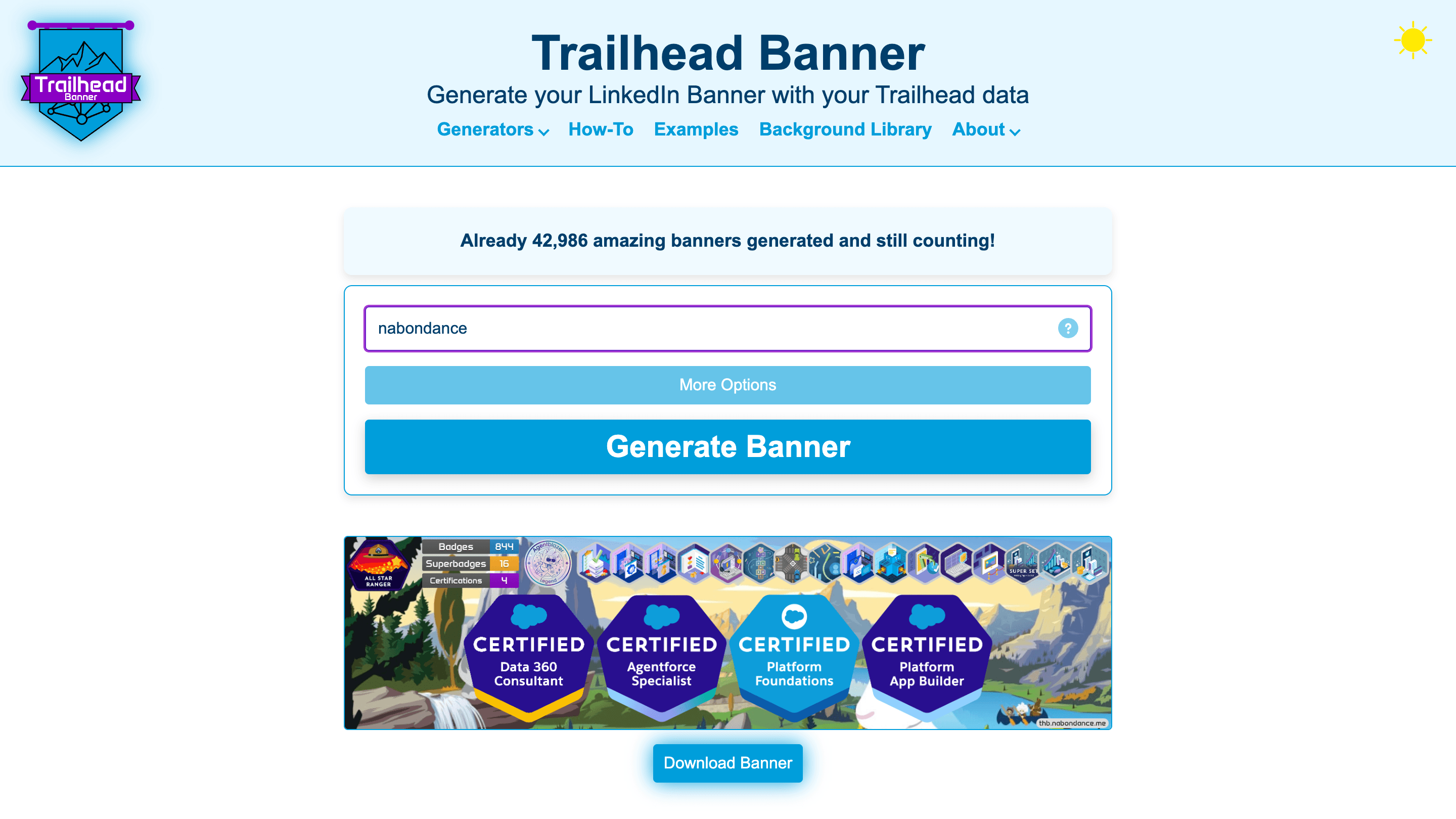
- Live Data Fetch: Rank, MVP status, certifications, superbadges and more, fetched live from Trailhead.
- Counters: Pick the counters to show (badges, superbadges, certifications, trails, points…) and drag them into order.
- Backgrounds: Choose one from the library, upload and crop your own, use an image URL or a solid color, or get a pattern generated from your username.
- Certifications Layout: Show or hide expired and retired certifications, sort them by date, category, product or difficulty, and align them left, center or right.
- Team Banners: A banner for a whole company, with the team's combined achievements.
- Downloadable: Download the banner as an image, with a step-by-step guide to set it on LinkedIn.
- Responsive design: Use it on the go on your phone as easily as on your laptop.
- Next.js and Tailwind CSS: For building the website.
- Canvas: For drawing the banner on the server, layer by layer.
- GraphQL: For querying the Trailhead data.
- Caching and a database: For fast answers from Trailhead, and for usage analytics.
The first challenge was to get the Trailhead data, and only the data a banner needs: the queries are worked out from the options picked.
Second challenge was caching without trapping anyone: answers for private profiles are never cached, so a profile made public works straight away.
Third challenge was team banners, which fetch many profiles at once: requests run in small batches, and back off together when Trailhead asks to slow down.
It works, try it with your Trailhead username, have fun, thanks.